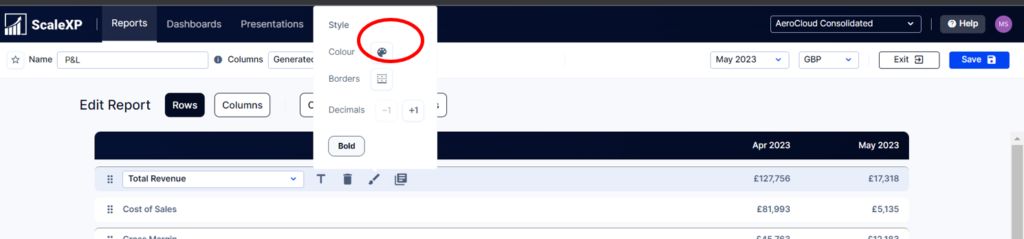
In Reports (top bar)>Edit>Edit Report. Click on the row to be colored. Select Color (pallet icon).
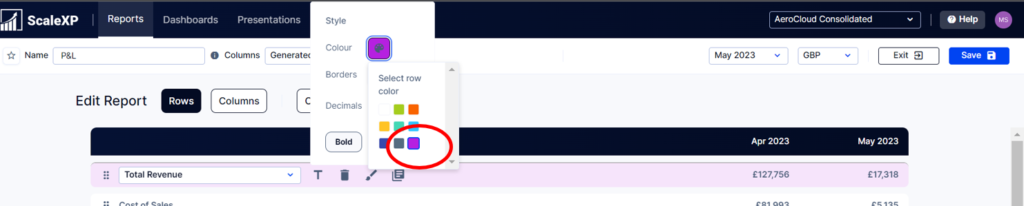
Choose the desired color.
Learn creative tips to enhance the visual appeal of your reports through the strategic use of color.
In Reports (top bar)>Edit>Edit Report. Click on the row to be colored. Select Color (pallet icon).
Choose the desired color.